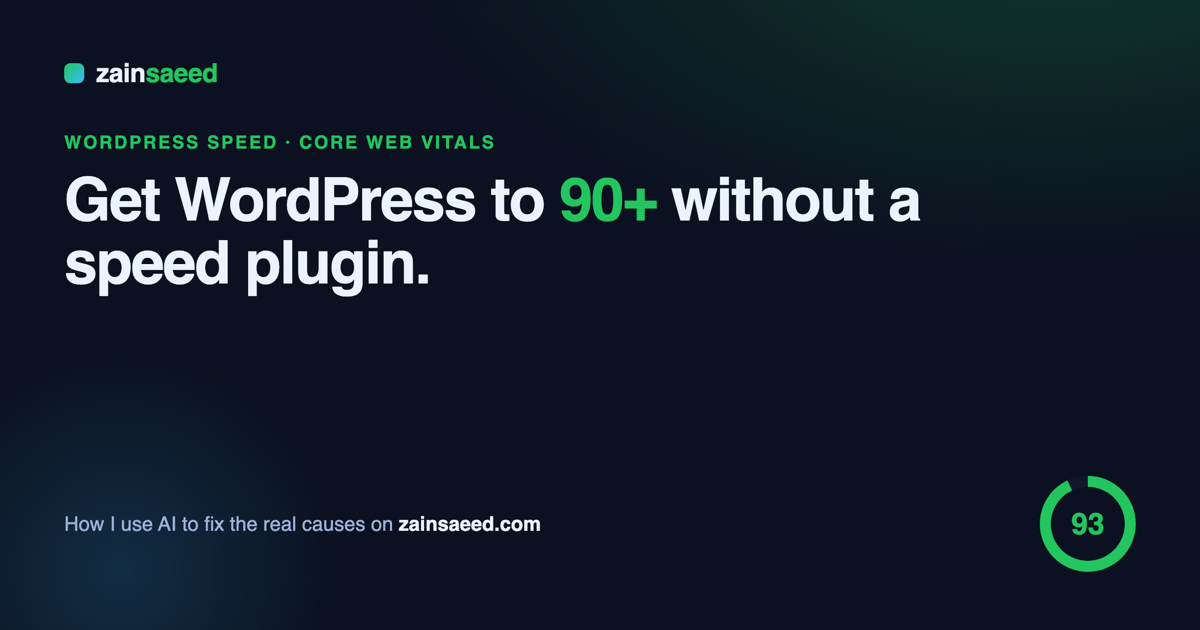
How I Get WordPress Above 90 PageSpeed Without a Speed Plugin
Here is something I have been doing on almost every site lately: getting WordPress above 90 on mobile PageSpeed without installing a speed plugin at all. No cache plugin, no “optimizer”, nothing stacked on top. Instead I use AI to find the real reasons a site is slow and then fix those causes by hand. This post is about that idea — and where I think it is heading.
Why I stopped reaching for a speed plugin
Speed plugins are the default answer, but they are a strange fix when you think about it. You add more code to make a site load less code. Most of them cache a slow page instead of making the page fast, so the moment the cache clears — a new post, a price change, a plugin update — visitors hit the slow version again. They also fight with each other, and when something breaks you are debugging the optimizer instead of the site.
The truth is that the same handful of problems slow down nearly every WordPress site. I wrote about them in detail in 5 reasons your WordPress site is slow (and how to fix each one). Once you deal with those directly, you do not need a plugin to paper over them.
What actually makes WordPress slow
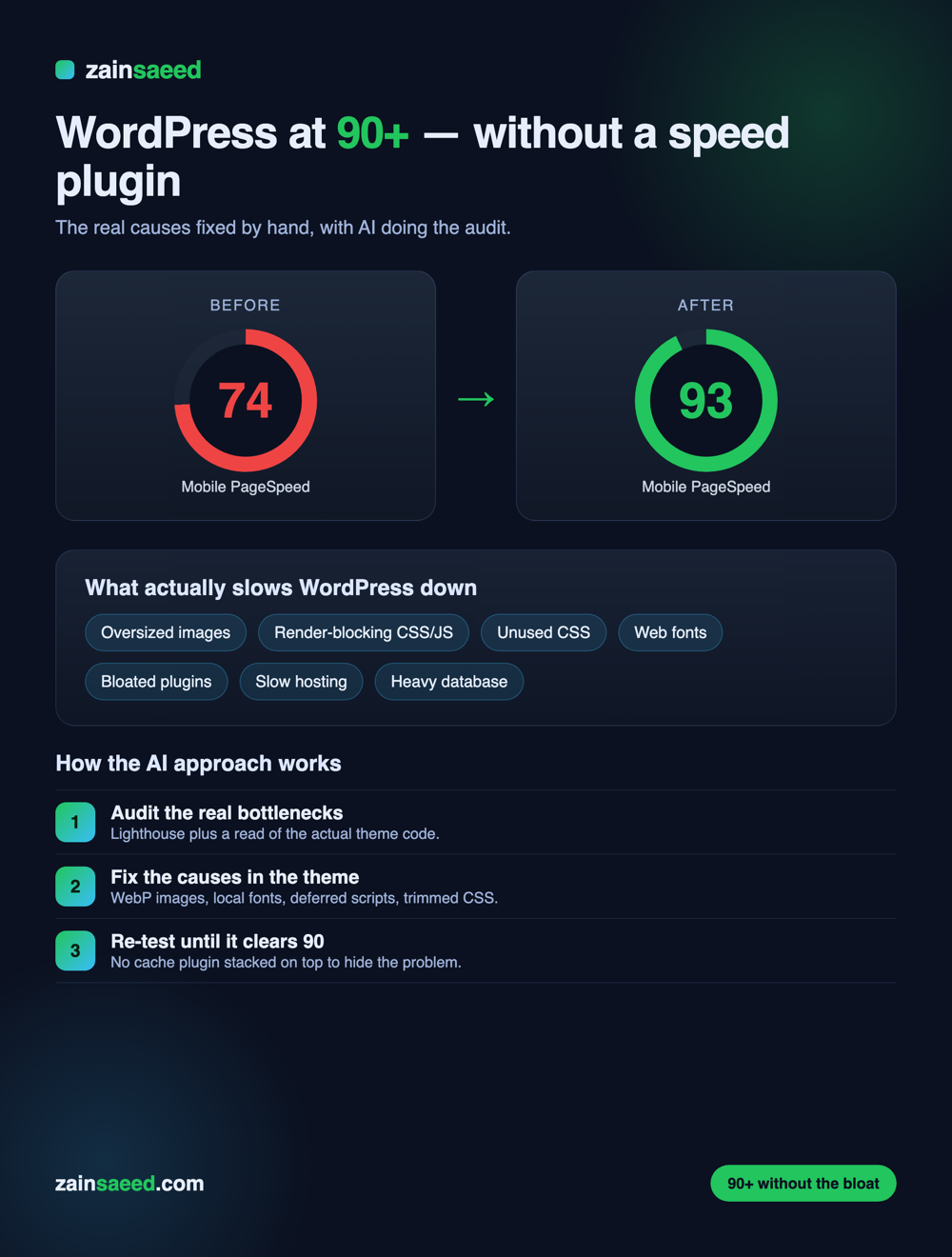
When I audit a site, the score is almost always being dragged down by the same things:
- Oversized images shipped at full resolution instead of compressed WebP.
- Render-blocking CSS and JavaScript that hold up the first paint.
- Unused CSS — huge stylesheets where the page uses a fraction of the rules.
- Web fonts loaded from third-party servers with no swap.
- A bloated theme or too many plugins, which is why the theme you pick matters so much — I cover that in how to choose the right WordPress theme in 2026.
- Slow hosting, which sets the ceiling for everything else. If the server is slow, no plugin saves you — start with solid hosting.
The approach: AI does the audit, I fix the cause
The method is simple, and it is the same one I use whether I am building new or cleaning up an old site:
- Audit the real bottlenecks. Run Lighthouse, but do not stop there — read the actual theme code to see what is loading and why.
- Fix the causes in the theme. Convert images to WebP, host the fonts locally with a swap, defer the scripts that do not need to run first, and strip the CSS the page never uses.
- Re-test until it clears 90. No cache plugin sitting on top to hide the problem — the page is genuinely light.
AI is what makes this fast now. It reads the code, spots the waste, and writes the fixes in minutes instead of hours. I went deeper on this shift in how Claude is changing web design in 2026, and on using it to rebuild sites in 5 ways to redesign your website using AI.
The results
On real sites this moves the needle hard. Mobile scores that sat in the mid-70s land in the low-90s, and — more importantly — Core Web Vitals go green because the page is actually faster, not just cached. Visitors feel it, and Google rewards it. The same thinking works beyond WordPress too; I use it on Shopify stores as well.
The idea: turn this into a plugin
This is the part I am excited about. Right now the AI-driven approach still needs me in the loop. The idea I am working toward is a WordPress plugin — think of it as a “WP Vibe” speed tool — that runs the same audit automatically, then applies the real fixes to your theme instead of caching over them. The goal is simple to say: a site that clears 90+ on its own, without a stack of speed plugins doing the pretending. It is an idea, not a finished product yet, but everything above is the working proof that the approach itself holds up.
Want this on your site?
If your WordPress site is stuck in the 60s or 70s and you would rather have it genuinely fast than plugin-patched, I can do it for you — that is exactly what my WordPress speed optimization and Core Web Vitals services are for. You can also see what I do as a website designer, or, if you are an agency, my white-label WordPress maintenance.
— Zain Saeed